Create messages with NHS Notify
Once you’ve been accepted to onboard with NHS Notify and have access to our integration environment, you can:
- create NHS App, email and text message templates, and upload letter templates
- add formatting, links and personalisation to your messages
- set up message plans and choose which message channels to use
- send test messages for NHS App message, email and text message templates
- review letter template previews before they’re sent
You’ll also need a Care Identity to log in. We can help you set this up.
If you supply technology services to primary care organisations (GP IT), you’ll need to use your own systems to create message templates.
Find out more about which features are available if you’re a supplier of technology services to primary care (GP IT).
Create message templates
Log in to your account to create templates for NHS App messages, text messages, emails and letters.
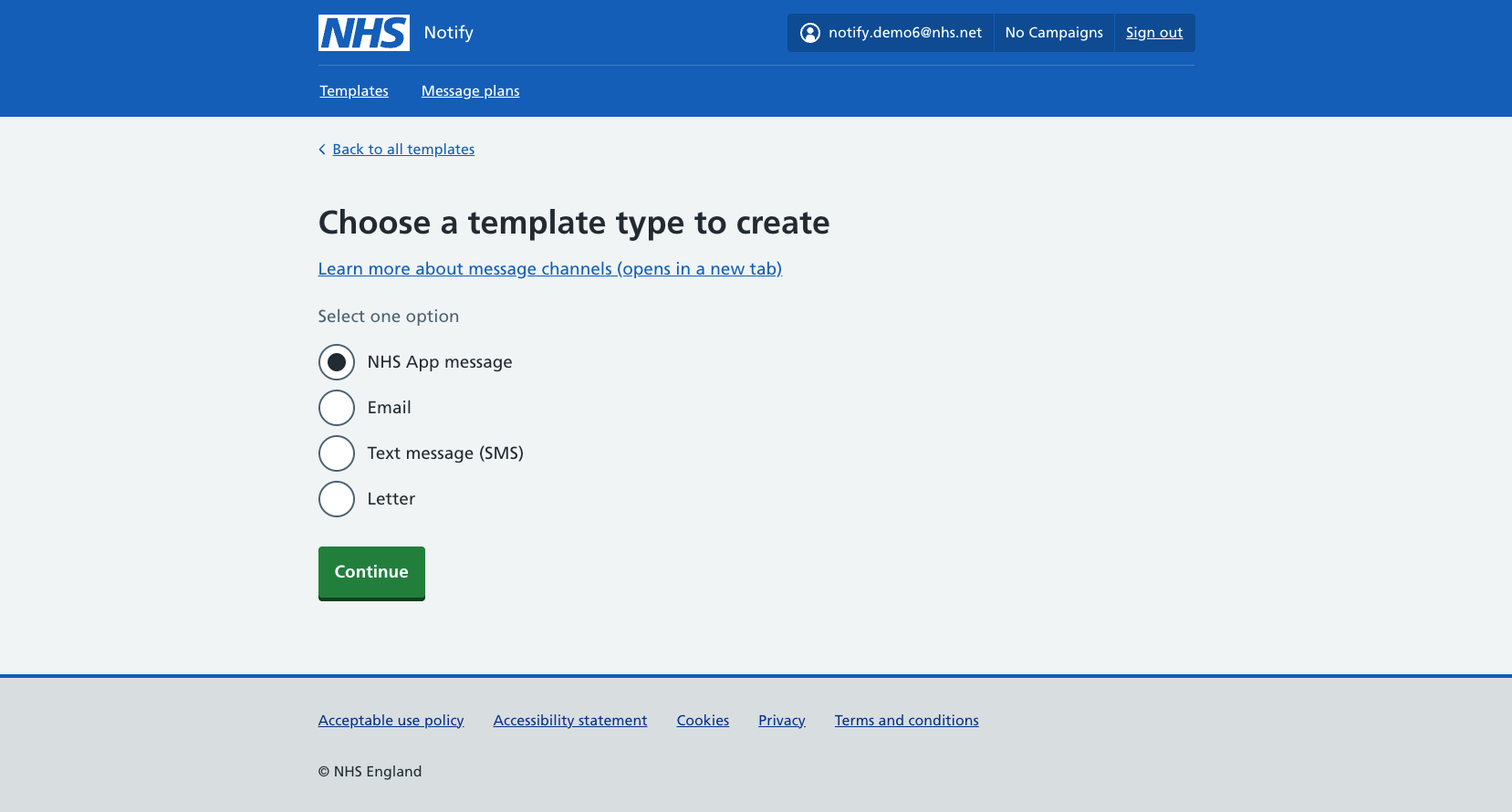
You can:
- add formatting
- personalise your messages
- add links and URLs
You can use Markdown to format message content. You’ll be able to read tips and guidance as you create your message templates.
Find out more about using NHS Notify.
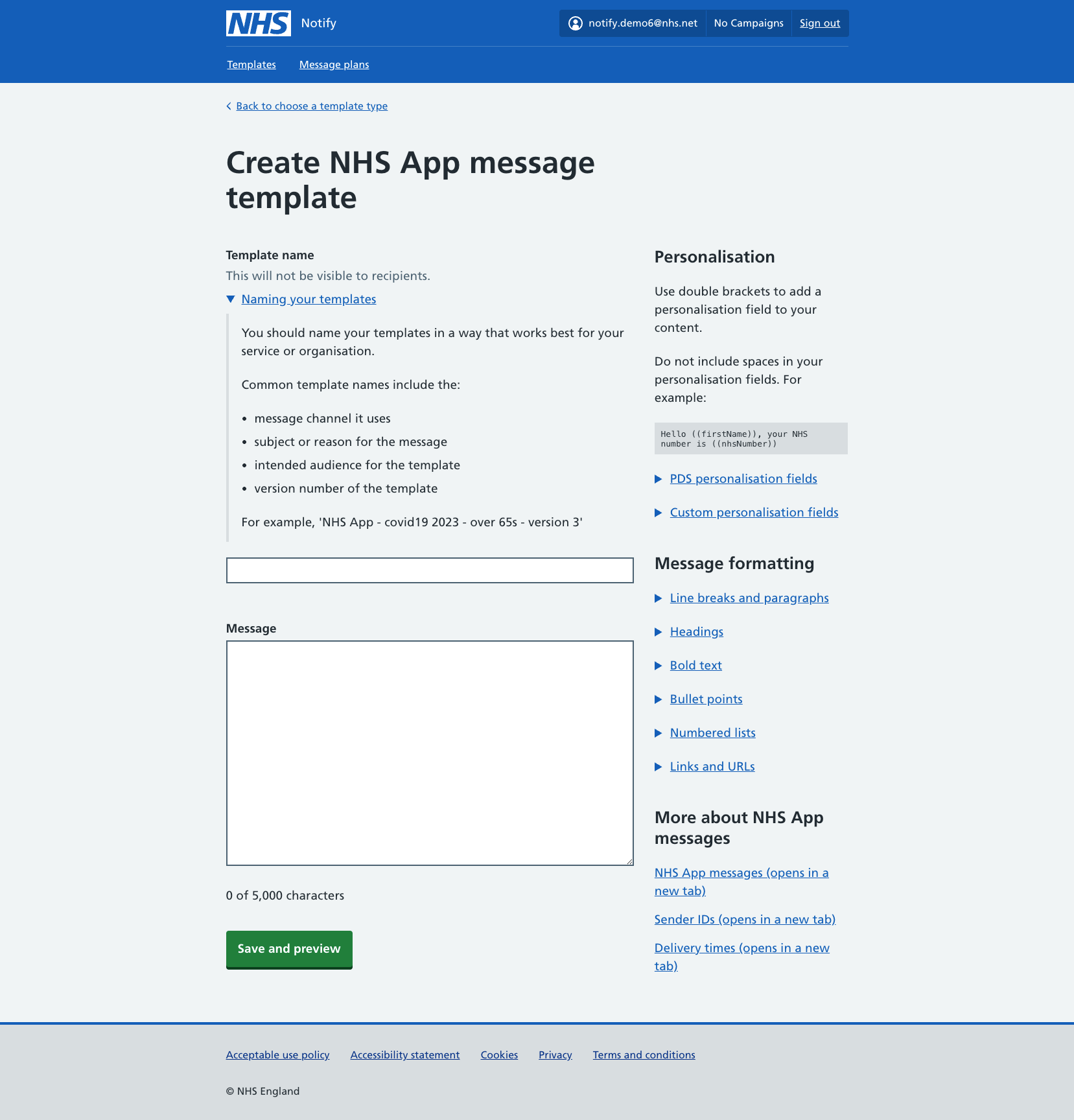
Set up message plans
Use message plans to tell us how to send messages to your recipients. You can tell us which message channels to use and in what order.
Message plans can help you send messages to recipients quickly, in the most cost-effective way.
Find out more about message plans.
Check how your messages perform
NHS Notify lets you monitor your message performance over time.
You’ll be able to check the delivery statuses of your messages, with detailed status descriptions if messages fail. You’ll have access to:
- our Power BI dashboard, if you have an nhs.net email address
- message status endpoints and callbacks, if you’re using NHS Notify API
- daily reports of messages and channels, if you’re using NHS Notify MESH
Find out more about message, channel and supplier status.